
Three clicks. Read-only access. Secure QuickBooks connection. You stay in control the entire time.
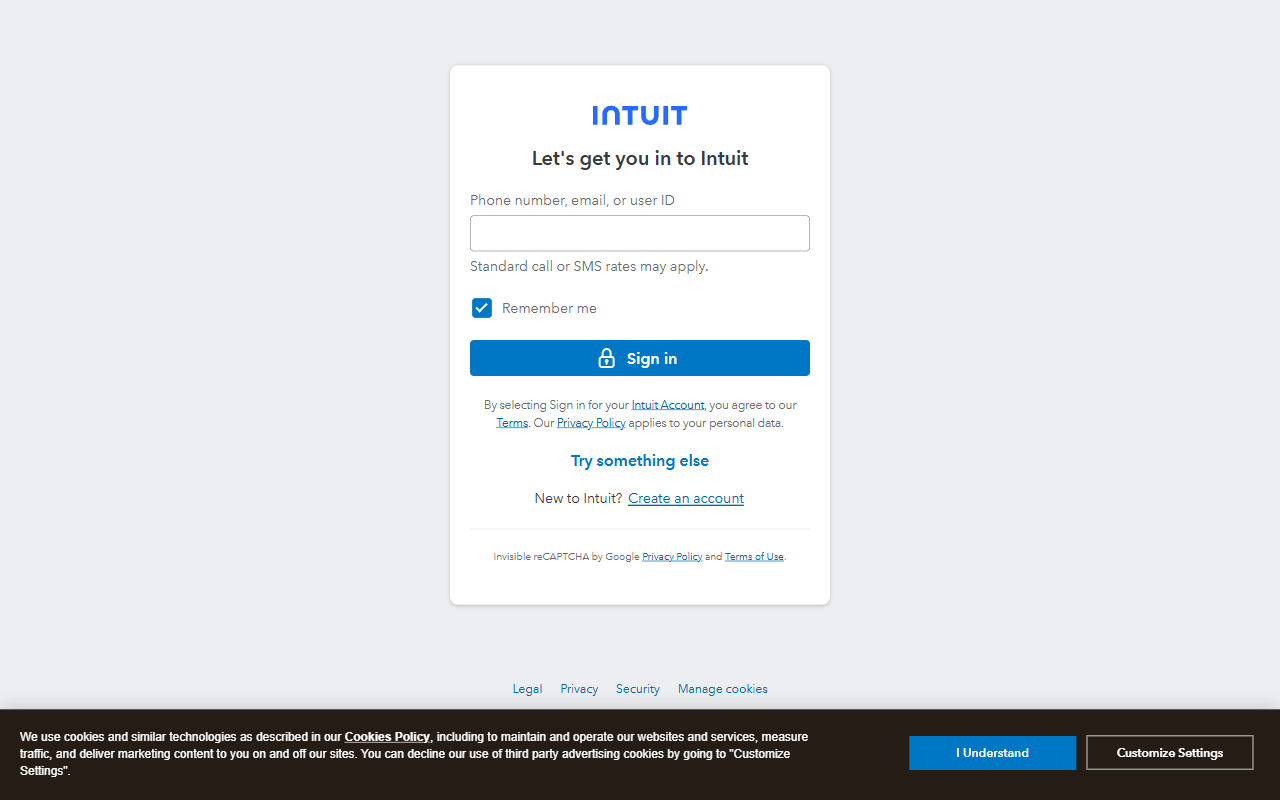
From your welcome email or the Streett Reports website, click the connect button. This takes you to Intuit's secure login page — not ours.
On the Streett Reports website, you'll see:

Enter your QuickBooks email and password on Intuit's secure page. If you have multiple companies, select the one you want to connect.
Intuit shows you exactly what Streett Reports can access. Review the permissions and click "Connect." We can only read your data — we cannot modify your books, create invoices, or move money.
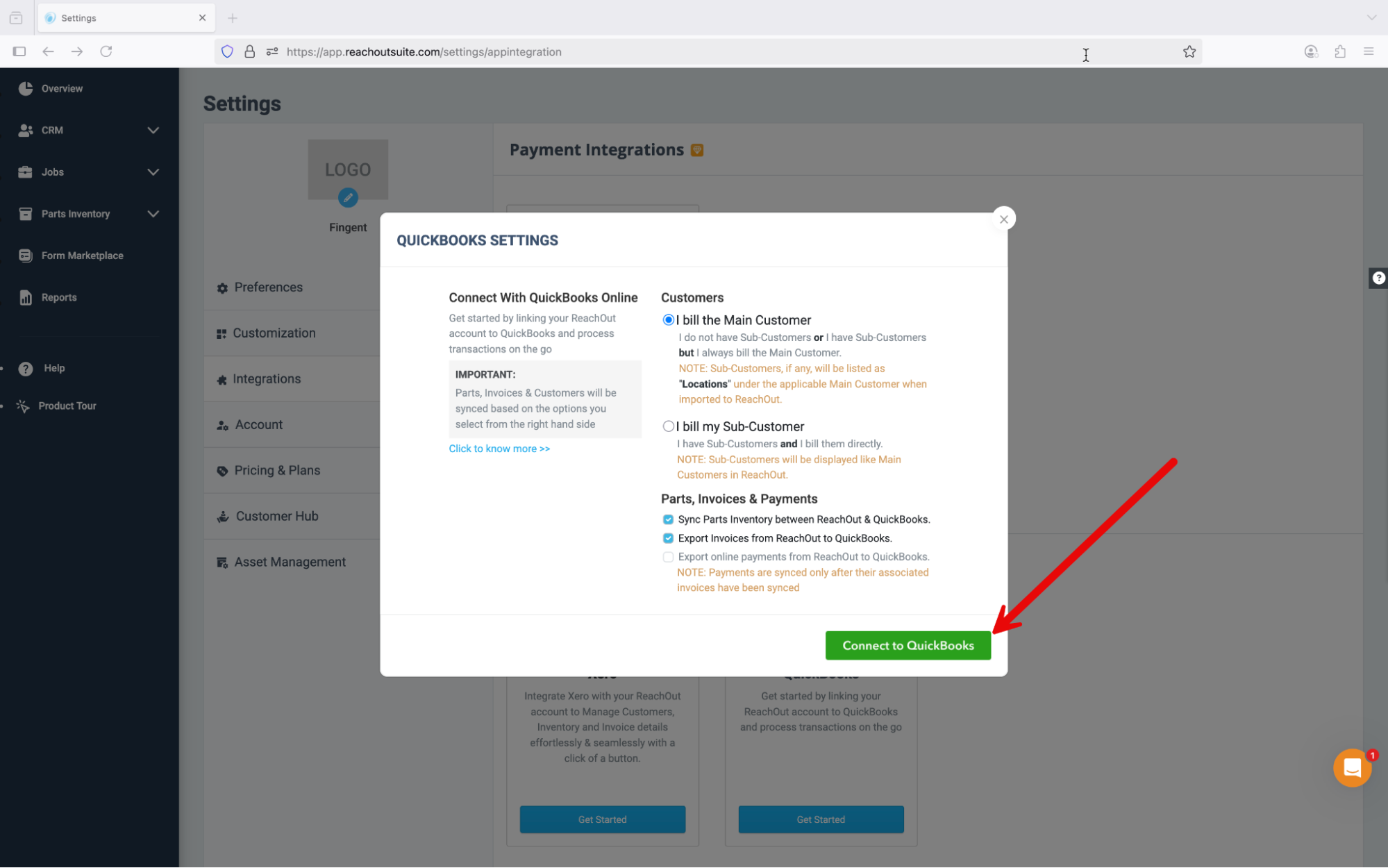
That's it. We'll analyze your data and send your first business report within a few business days. After that, you'll get a fresh report every Monday morning — no action needed from you, ever.
We can see your numbers but can't change anything in your books. Not invoices, not payments, nothing.
We connect through Intuit's official platform using their secure OAuth system — the same way Jobber, Housecall Pro, and every other trusted app connects.
Change your mind? Disconnect in 30 seconds from your QuickBooks settings. We delete your data within 7 days.
You log in on Intuit's own secure page. We never see or store your QuickBooks password.
Invoices, payments, expenses, and profit & loss data — the numbers that tell the story of how your business is doing. We cannot see personal bank account details, tax returns, or anything outside of QuickBooks.
No. Our access is strictly read-only. We cannot create, edit, or delete any records in your QuickBooks account. Think of it like giving someone a copy of your report card — they can read it, but they can't change your grades.
Not at all — think of us as your analyst. Your bookkeeper keeps the books accurate (enters transactions, reconciles accounts, makes sure the numbers are right). We're the person who actually reads those numbers and tells you what they mean — where your money is going, which jobs are most profitable, whether that slow month is seasonal or a warning sign, and what to pay attention to next week.
Go to your QuickBooks settings, find Connected Apps, and click Disconnect next to Streett Reports. Takes 30 seconds. We'll delete all your data within 7 days — no questions asked, no hoops to jump through.
Nope. Connect once and forget about it. Your report shows up in your inbox every Monday morning. No dashboards to check, no logins to remember, no buttons to click. If there's ever something specific you want us to keep an eye on — a client who's been slow to pay, a project you're watching closely — just reply to any report email or drop a note to [email protected] and we'll work it into your next report.
Never. Your data is isolated, encrypted, and only used to generate your reports. We don't sell data, we don't share it with other customers, and we don't use it for anything other than helping you understand your business.